

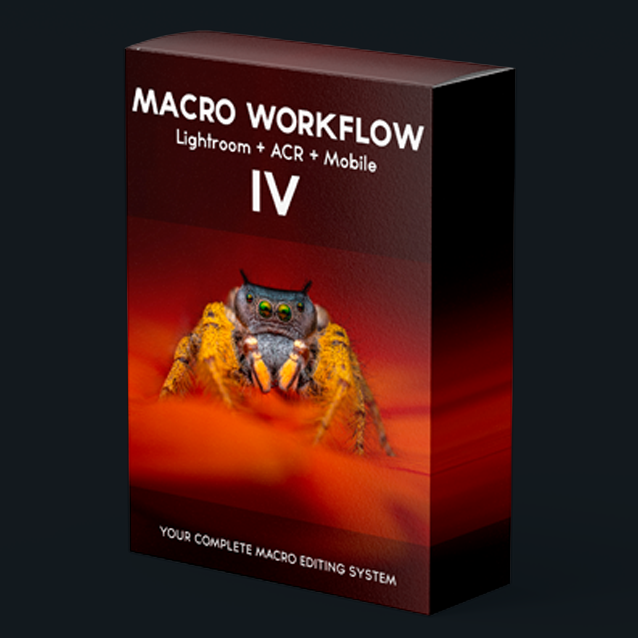
All-new Lightroom AI Adaptive presets designed for macro photography workflow.
All-new Lightroom AI Adaptive presets designed for macro photography workflow.
✓ 66 AI-adaptive presets
✓ Lifetime V4 updates
✓ Desktop, tablet & mobile
✓ Instant download
NEW RELEASE · MACRO WORKFLOW IV
The macro editing system you'll never shoot without.
66 AI-adaptive Lightroom presets engineered around a single principle: fast edits, consistent results, full control. Built in the field — refined on real macro work.
💻 Built-in AI masking 📱 Mobile & desktop ready ∞ Lifetime V4 updates 📷 Used by photographers worldwide
Macro Workflow IV Overview!
WHY MACRO WORKFLOW IV
Stop fighting the develop module. Start finishing images.
Macro images live and die in the edit. Soft subjects, distracting backgrounds, low contrast, fragile RAW files. Macro Workflow IV is the same system I rely on every day — a top-to-bottom pipeline that turns raw captures into portfolio shots in minutes, not hours. Once you build the habit, going back feels impossible.
Clean Up - (A) - 8 Presets
Noise reduction, dust/spot removal, and lens correction.
Background + Vignettes (D) 4 Presets
AI background lighten/darken and vignettes to guide the eye.
Exposure - (B) - 4 Presets
Quick, consistent exposure adjustments.
Finishing (E) - 10 Presets
Grain and sharpening for the final polish.
Colour Looks (C) - 36 Presets
Signature colour grades and “looks” to set the mood.
Subject (AI) (F) - 4 Presets
AI subject masking makes subject detail pop.
REAL RAWS · REAL RESULTS
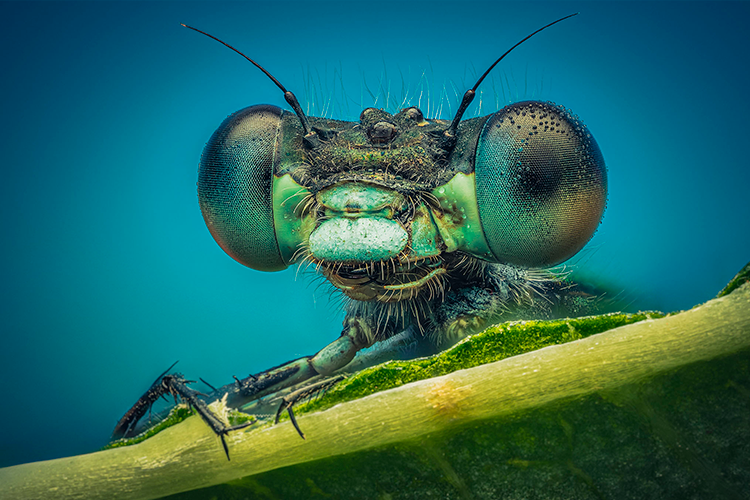
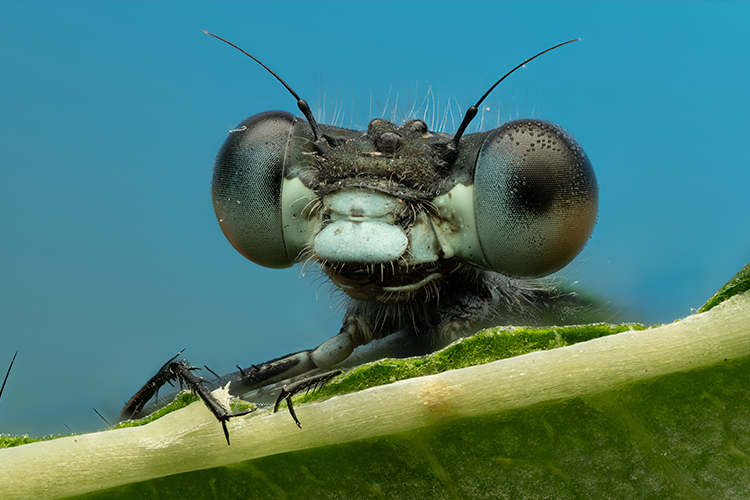
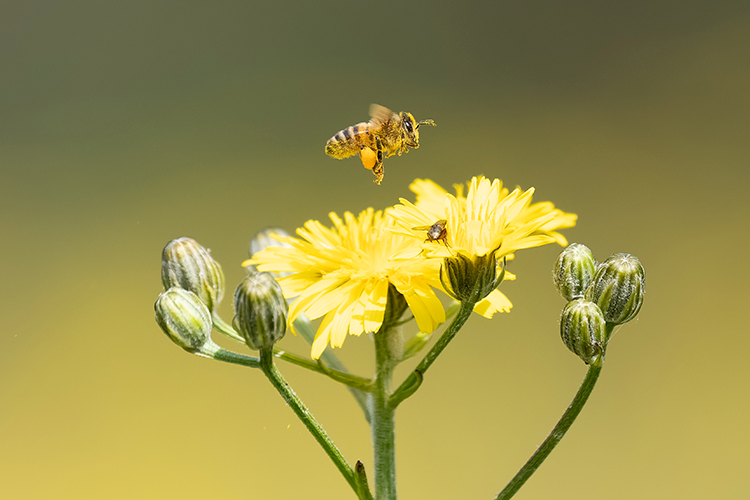
Drag the slider. See the workflow at work.
Every example is a single click away. No layered Photoshop work, no hand-painted masks — just Macro Workflow IV applied to a straight-out-of-camera RAW.



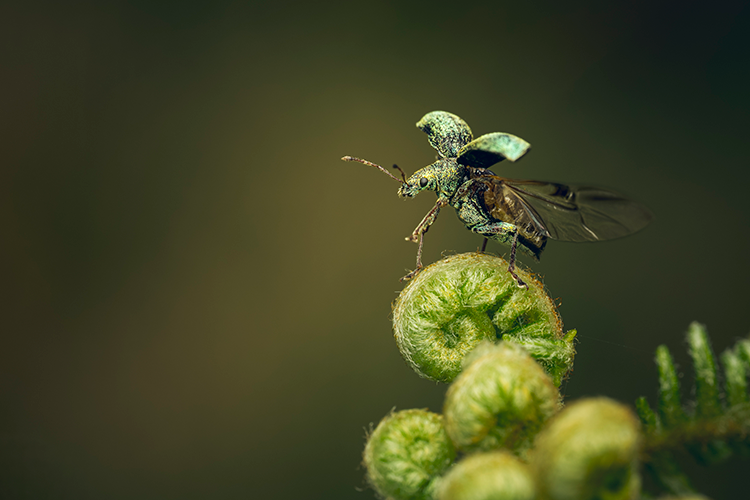
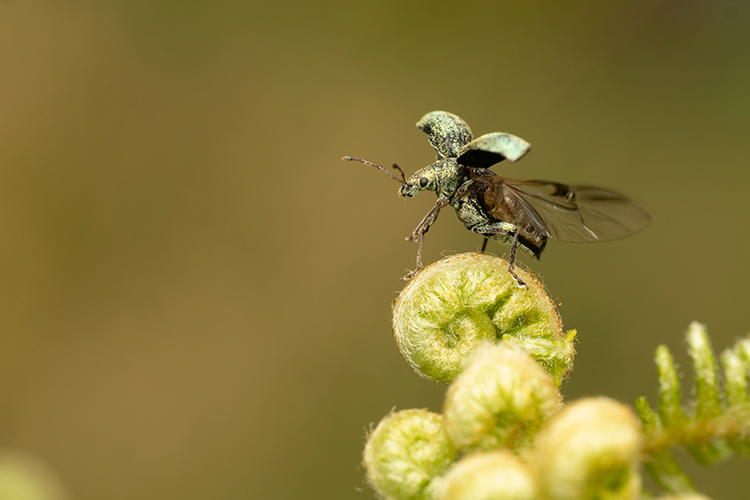
3: Colour Looks
Audition 36 signature grades to set mood without breaking exposure.
THE WORKFLOW
Top to bottom. Repeatable. Predictable. Yours.
1: Clean Up
Strip noise, dust, lens distortion. Start from a neutral, honest file.
4: Background + Vignettes
AI lightens or darkens the background to guide the viewer’s eye.
2: Exposure
Lock a consistent base before you commit to a look.
5: Finishing
Sharpening and grain, the polish that separates good from finished.
6: Subject (AI)
Make subject detail pop without touching the background.
ANYWHERE YOU EDIT
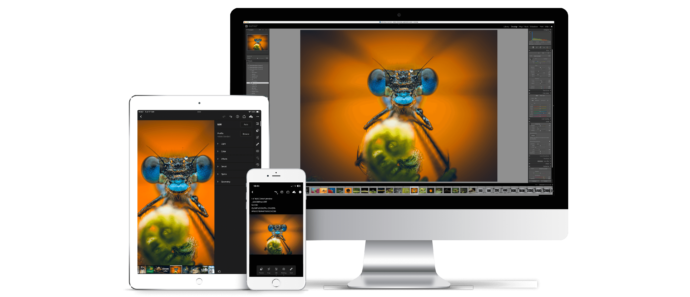
Desktop, tablet, mobile. Synced with you.
✓ Lightroom CC (v9.0+) — Mac & Windows
✓ Lightroom Classic (v15+)
✓ Adobe Camera Raw (v18+)
✓ Lightroom Mobile — iOS & Android
✓ Works with RAW, TIFF and JPEG
✓ Free updates for the lifetime of V4
FAQ
Everything you'd ask first.
-
Macro Workflow IV goes beyond one-click presets — it's a complete editing pipeline. The name reflects the new workflow.
-
They use Lightroom's AI selection tools to mask subject and background automatically, then apply targeted adjustments.
-
Yes. Every preset works with the Amount slider in the Develop module's top-left, so you can dial in the exact strength you want.
-
No. They're built around macro but work beautifully on portraits, wildlife, and other genres too.
-
Often — yes. Some images need small exposure or sharpening tweaks. Treat the presets as a fast, reliable starting point.
-
Lightroom CC (v9.0+), Lightroom Classic (v15+), Adobe Camera Raw (v18+). Mac, Windows, iOS and Android.
-
They're designed for RAW in the Adobe Colour profile, but most will still work on TIFF and JPEG.
-
Digital downloads are non-refundable.
⌵
Your edits, transformed in one click.
Join thousands of photographers who refuse to edit macro work without it. Instant download. Lifetime V4 updates. One workflow that just works.
All-new Lightroom AI Adaptive presets designed for macro photography workflow.