

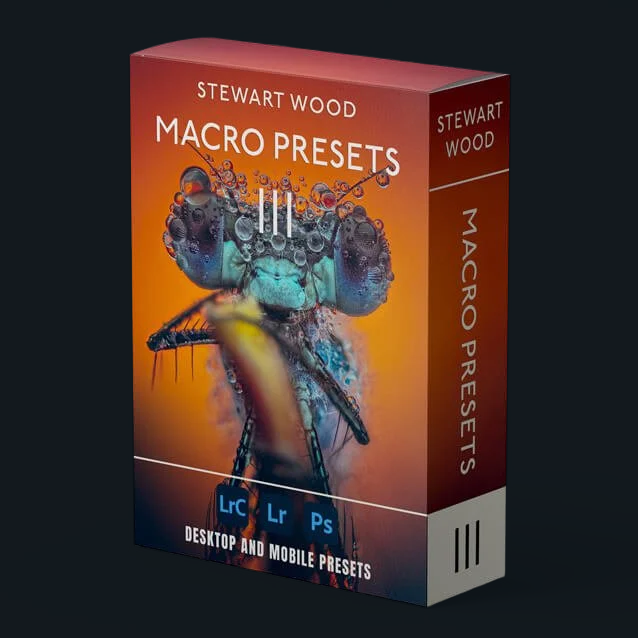
16 Beautiful Lightroom AI Adaptive Presets for macro photography!
Compatible with Adobe Lightroom CC (7.5 & up), Adobe Camera RAW, and Lightroom mobile.
16 Beautiful Lightroom AI Adaptive Presets for macro photography!
Compatible with Adobe Lightroom CC (7.5 & up), Adobe Camera RAW, and Lightroom mobile.
✓ 16 AI Adaptive presets
✓ ISO adaptive behaviour
✓ Sensei subject masking
✓ Amount slider compatible
AI ADAPTIVE · MACRO PRESETS V3
16 presets that find your subject and edit it for you.
V3 is the next generation. Built on Adobe Sensei AI masking, every preset detects your subject, isolates it from the background, and applies a professional grade in a single click. No brushing. No fiddling. Just results.
📷 Adobe Sensei AI masking 📱 Mobile, desktop, ACR ∞ Lifetime V4 updates 📷 Used by photographers worldwide
WHY MACRO PRESETS V3
The first presets that actually see your subject.
V1 and V2 nail the colour. V3 changes the game. Every preset uses Lightroom's AI subject detection to mask your bug, flower or eyes — then applies a tailored grade to it and a separate one to the background. The kind of edit that used to take fifteen minutes of masking now happens the moment you click.
Adobe Sensei Masking
Each preset uses AI subject detection to find your bug, flower or eyes — and apply edits exactly where they belong.
Sync Across Stacks
Apply across focus-stacked sets — masks recompute per frame so colour stays consistent before stacking.
ISO Adaptive
Smarter behaviour at higher ISOs. Noise, sharpening and detail react to the file — not just the slider values.
One-Click. Real Edits
Replace 15 minutes of masking with a single click. Then fine-tune with the Amount slider if you want more.
Macro Presets V3 Overview!
HOW IT WORKS
Click once. Lightroom does the rest.
You click the preset.
Pick any of the 16 AI Adaptive looks from your preset panel.
Sensei finds the subject.
Lightroom's AI builds a precise mask around the bug, flower or eyes — automatically.
Two grades, one image.
The preset applies one set of adjustments to the subject and a separate one to the background.
Tune with the Amount slider.
Push the look harder or pull it back — without ever opening the masking panel.
REAL RAWS · REAL RESULTS
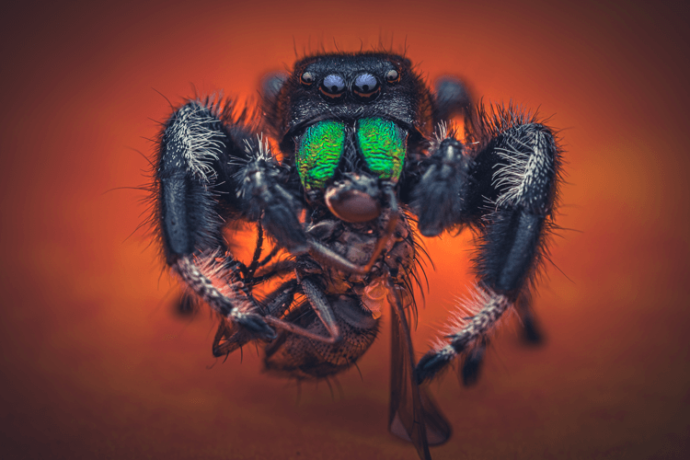
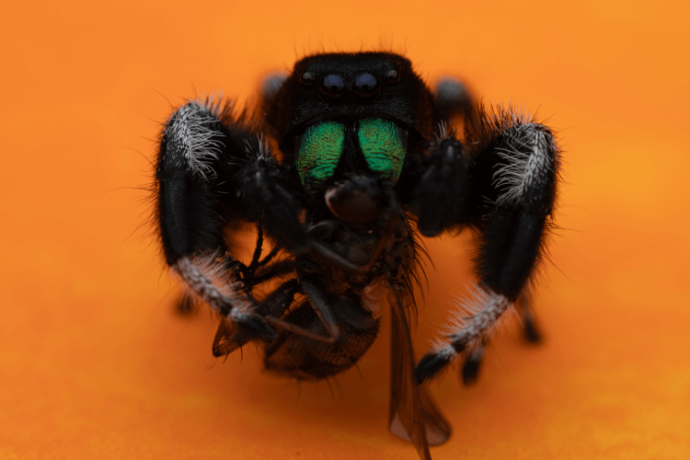
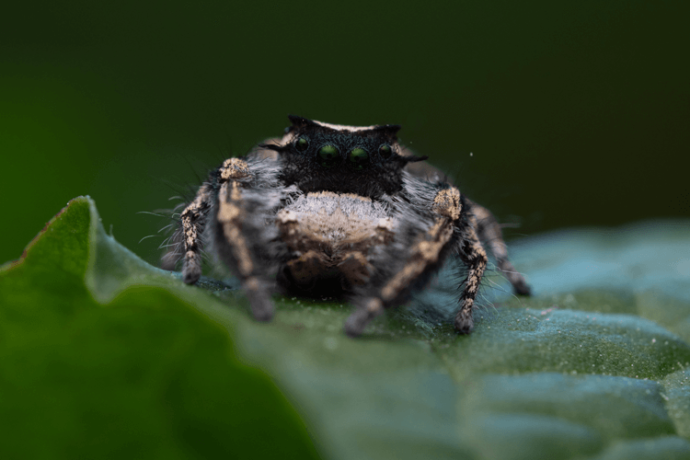
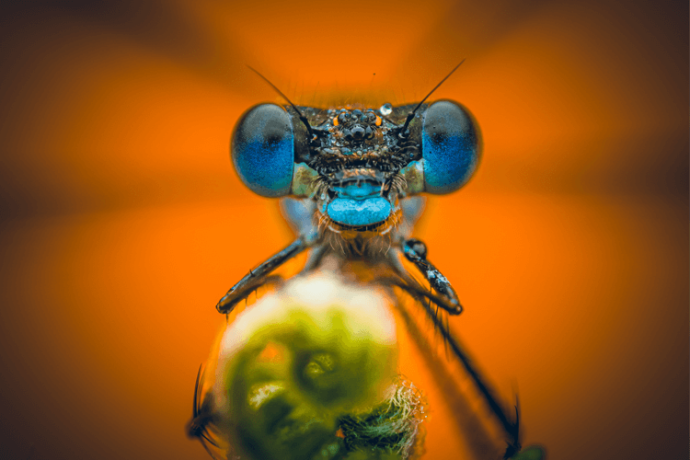
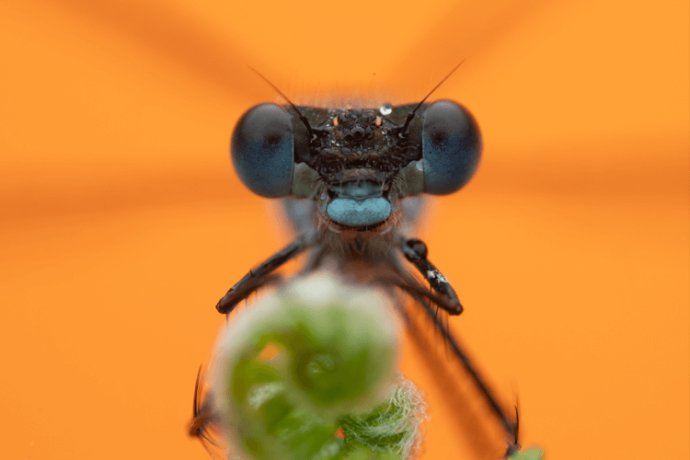
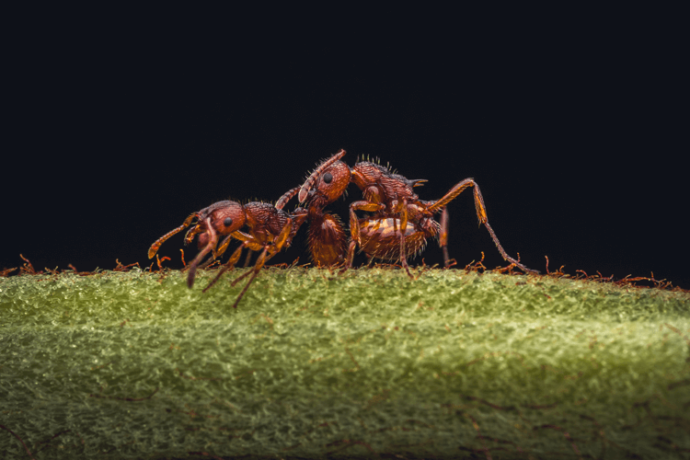
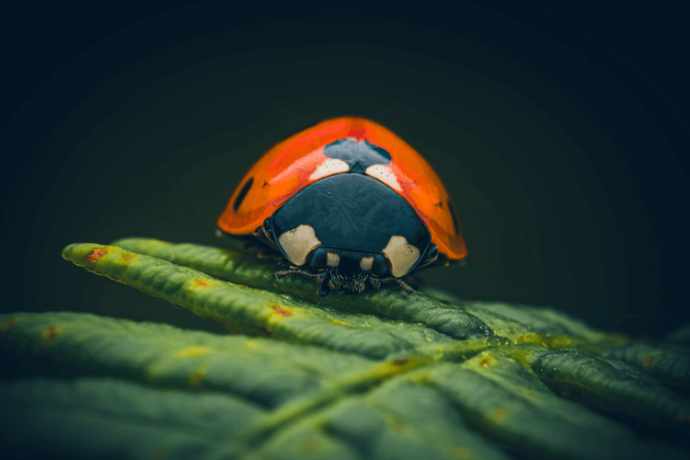
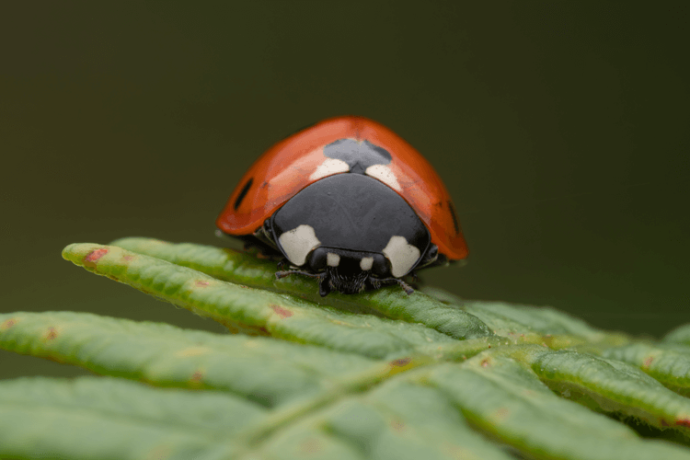
Drag the slider. Watch the AI work.
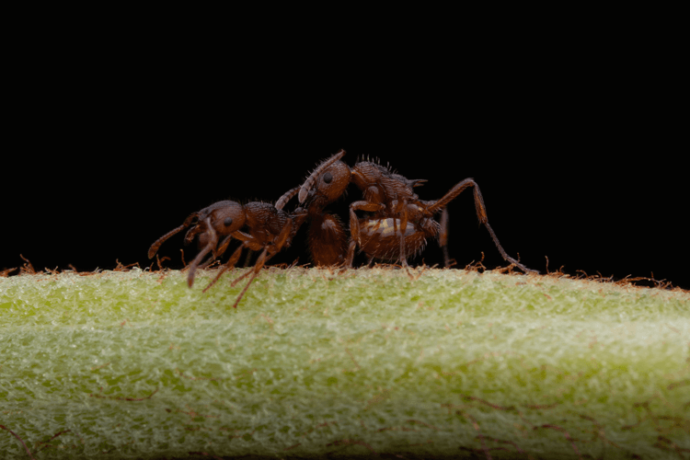
Every "after" is a single click on a straight-out-of-camera RAW. No masks painted by hand. No layered Photoshop. Just V3.
WHAT’S INSIDE
All 16 Adaptive presets. Ready to load.
✓ Dragonfly Cool
✓ Boom
✓ Ladybird Pop
✓ Flower Bloom
✓ Rainbow Colours
✓ Fire
✓ Yellow Burst
✓ Colourfull
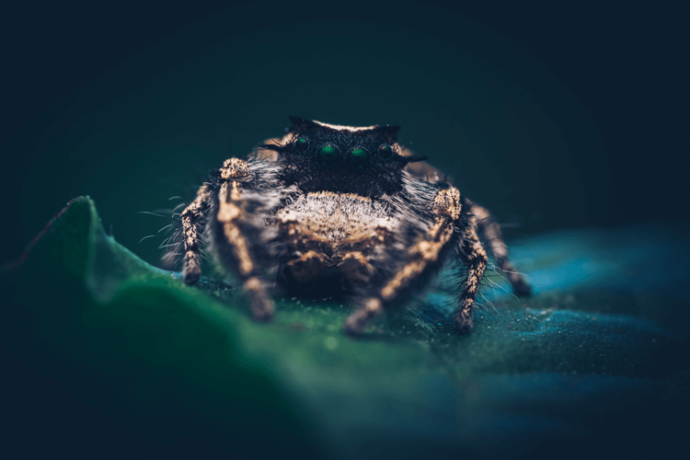
✓ Jumper Love
✓ Weevil Love
✓ Fire
✓ Soft Pop
✓ Cold & Yellow
✓ Fighting Reds
✓ Matt Detail
✓ Ice
ANYWHERE YOU EDIT
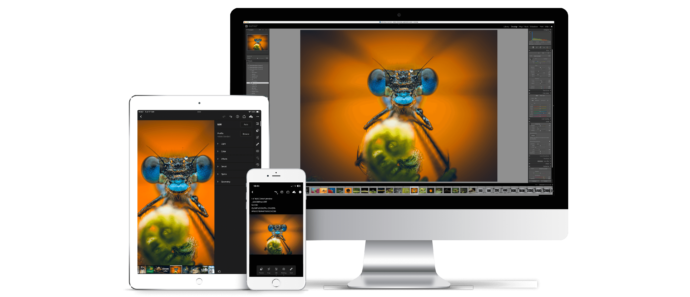
Desktop, tablet, mobile. Synced with you.
✓ Lightroom CC (2021+) — Mac & Windows
✓ Lightroom Classic 11 or later
✓ Adobe Camera Raw 14 or later
✓ Lightroom Mobile — iOS & Android
✓ Works with RAW, TIFF and JPEG (limited)
✓ Free updates included
FAQ
Everything you'd ask first.
-
Each preset uses Lightroom's Adobe Sensei subject-detection masks. When applied, Lightroom analyses the image, finds the subject, and the preset's edits are applied to that selection — no manual brushing.
-
V1 and V2 are global colour grades. V3 is a different generation entirely — every preset includes intelligent masks that target the subject and background separately. It's the closest thing to having a retoucher built into a preset.
-
Yes. AI Adaptive presets require Lightroom CC (2021 or later), Lightroom Classic 11 or later, or Adobe Camera RAW 14 or later.
-
Use the 'Amount' slider in the top-left of the Develop module to dial in the exact strength. Advanced users can fine-tune individual sliders on the right.
-
Yes — and it shines here. Sync the preset across the stack and Lightroom will recompute masks per frame, so colour and contrast stay consistent before you stack.
-
No. They're built around macro but work beautifully on portraits, wildlife, and other genres too.
-
Often — yes. Some images need small exposure or sharpening tweaks. Treat the presets as a fast, reliable starting point.
-
Click the (+) next to the Presets folder in Lightroom CC, select the supplied zip file, then restart Lightroom.
-
They're designed for RAW in the Adobe Colour profile, but most will still work on TIFF and JPEG.
-
Digital downloads are non-refundable.
⌵
Stop masking. Start finishing.
16 AI Adaptive presets that target your subject automatically. Instant download. Lifetime updates. The fastest way to a portfolio-ready macro edit.
16 Beautiful Lightroom AI Adaptive Presets for macro photography!
Compatible with Adobe Lightroom CC (7.5 & up), Adobe Camera RAW, and Lightroom mobile.
SAVE 33% · LIMITED PRICING