

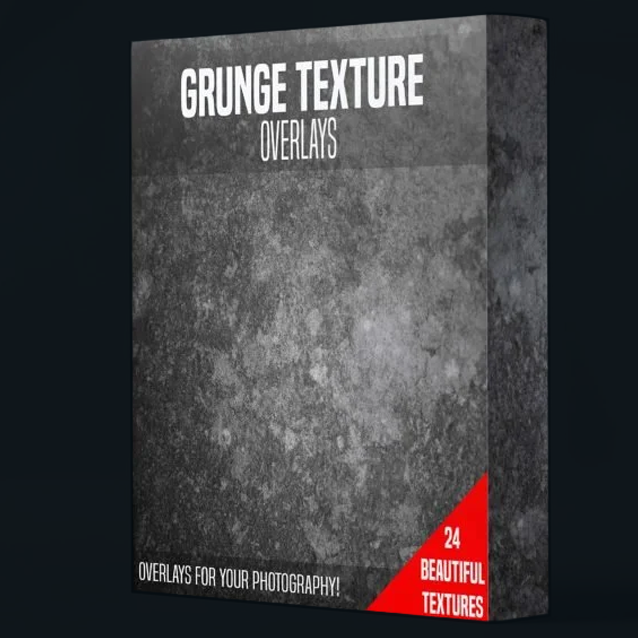
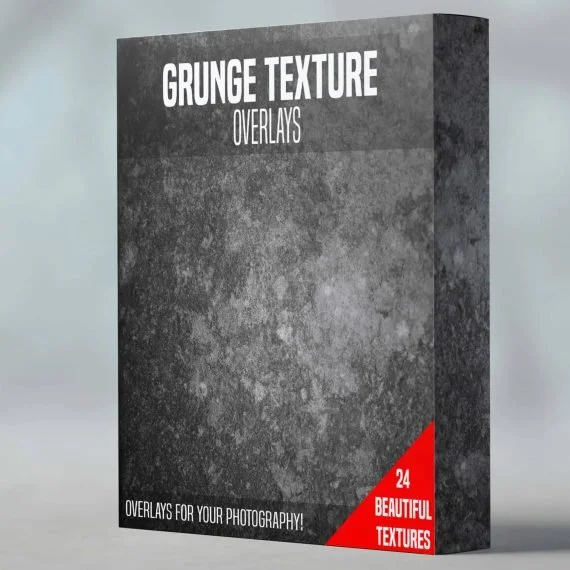
24 Beautiful grunge textures for your macro photography. Place the texture over your image and set to the blend mode to soft light
(Texture files only, no physical product will be shipped)
24 Beautiful grunge textures for your macro photography. Place the texture over your image and set to the blend mode to soft light
(Texture files only, no physical product will be shipped)
✓ 24 handcrafted textures
✓ Instant download
TEXTURE OVERLAYS · POST-PROCESSING
Add an artist's touch in one click.
Twenty-four hand-crafted grunge textures designed to layer over your macro shots in Photoshop, Lightroom or Affinity — for that painterly, fine-art finish that lifts an image from clean to characterful.
Grunge Texture Overlays
WHY OVERLAYS?
A clean shot is great. A crafted shot is unforgettable.
Sharp focus and a clean background only get you so far. The shots that make people stop scrolling have texture, atmosphere, intent — that hand-finished quality you'd find in a fine-art print.
That's exactly what these overlays do. Drop one onto your image, set it to soft light, and within seconds the shot reads as deliberate, painterly and considered — instead of another technically perfect macro.
PLEASE READ BEFORE PURCHASE
This is a digital download — print at home, your way.
The Grunge Texture Overlays pack is delivered as a set of high-resolution digital files, pre-formatted for A4, A5 and A6 paper. No physical product is shipped. You'll print the textures yourself on the paper of your choice — giving you total control over size, stock and finish.
Instant digital files
Download immediately after checkout — ready to print whenever you need them.
Print on your paper
Use any home printer or local print shop: matt photo paper or cardstock works best.
Nothing ships in post
Producing and shipping printed sets worldwide isn’t viable, going digital keeps the price fair.
The result: you get the same professional textures used in my own work, at a fraction of the cost of a physical pack — with the freedom to reprint any sheet, any size, any time.
WHY THIS PACK HITS DIFFERENT
For shots that should never be subtle.
24 high-res overlays
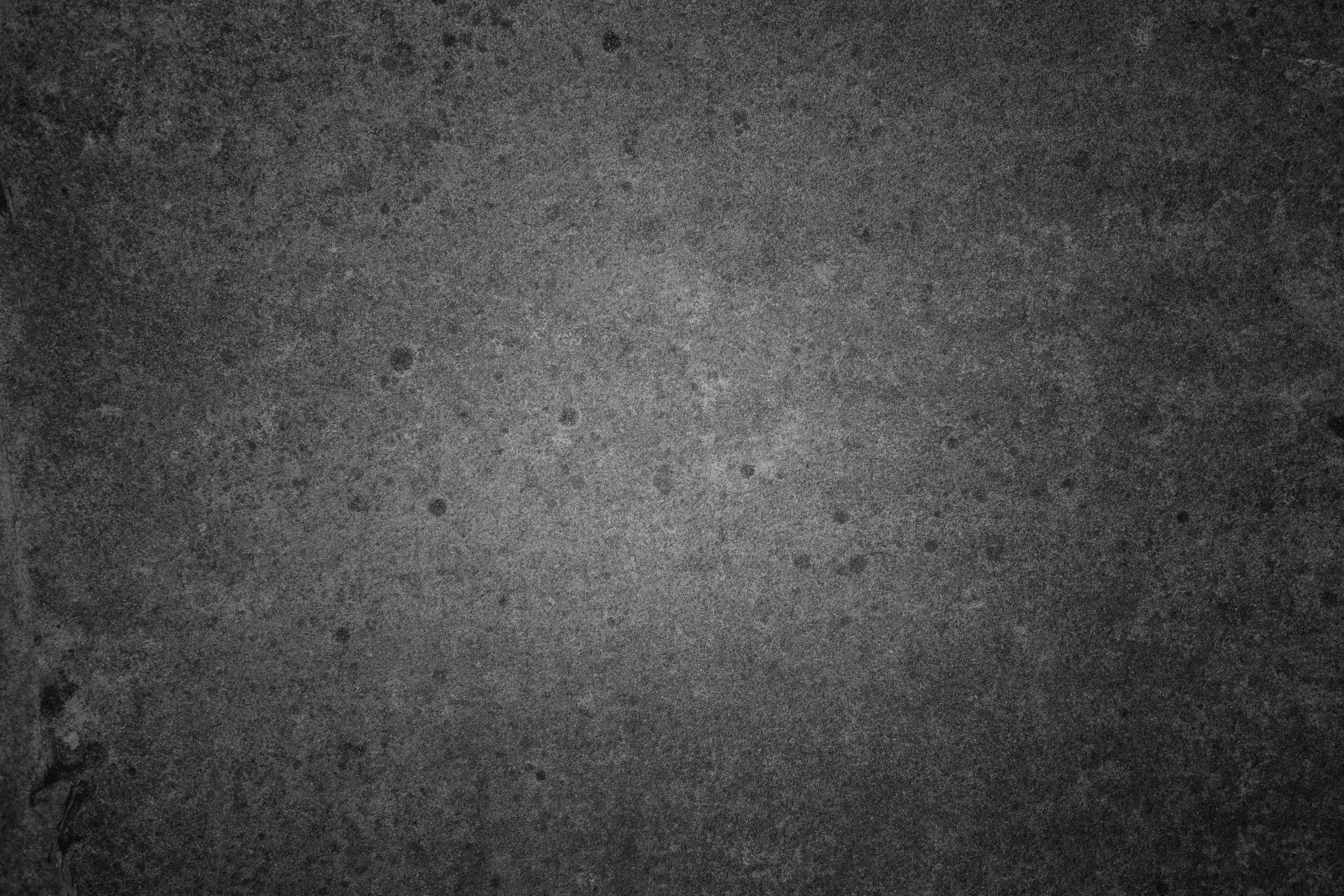
Hand-crafted textures — paper, plaster, scratches, light leaks, cracks and washes — ready to drop onto any image.
Instant download
Files delivered to your inbox the moment you check out. Yours forever, on every shoot.
Soft-light blend mode
Drag the texture over your shot, set the blend mode to Soft Light, dial back the opacity. That's it — instant fine-art finish.
Hide artefacts & dust spots
Aggressive crops, sensor dust, ugly edges? An overlay covers them and adds character at the same time.
INSIDE THE PACK
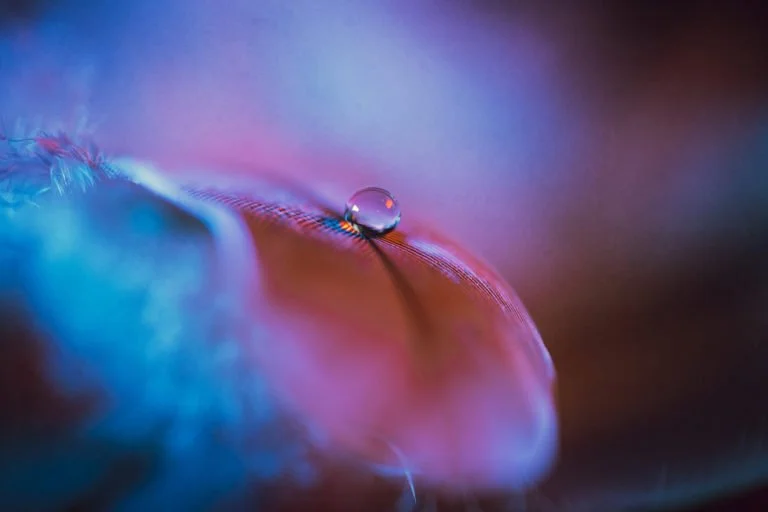
See the overlay in action.
A single texture layer set to soft light. Subtle change — huge difference.
WHAT’S INSIDE
Everything you need. Nothing you don't.
✓ 24 high-resolution grunge texture files (JPG)
✓ Paper, plaster, scratches, light leaks, washes & more
✓ Works with Photoshop, Affinity Photo, GIMP & any layered editor
✓ Use on macro, portrait, wildlife, landscape — any image
✓ Cover up dust spots, sensor marks & aggressive crops
24 Beautiful grunge textures for your macro photography. Place the texture over your image and set to the blend mode to soft light
(Texture files only, no physical product will be shipped)
PRO TIP!
Less is more — start at 30% opacity.
The fastest way to ruin a great shot is to crank an overlay to 100%. Set the texture to Soft Light, then drop the opacity to around 20–40% — you want the feel of the texture, not a poster.
✓ Mask out the subject
Add a layer mask and brush black over your subject's face, eyes or key detail — keep texture on the background only.
✓ Try multiple blend modes
Soft Light is the workhorse, but Overlay, Multiply and Screen each give a different mood. Cycle through and trust your eye.
✓ Stack two overlays
Combine a paper-grain texture with a light-leak overlay for a properly hand-finished look.
✓ Desaturate for subtlety
Drop the saturation of the texture layer to let the colours of your photo stay true while keeping the grain.
FAQ
Common questions
-
Open your image in any layered editor (Photoshop, Affinity Photo, GIMP). Drop a texture file on top as a new layer, set the blend mode to Soft Light, and adjust opacity to taste.
-
Yes — once you check out, the files are emailed to you and available in your account. No physical product is shipped.
-
Not at all. They work beautifully on portraits, wildlife, landscapes — any image you'd like to give a hand-finished, fine-art look.
-
Anything that supports layers and blend modes. Photoshop, Affinity Photo, GIMP, Procreate, even Photopea (free, in-browser) all work perfectly.
-
Please check your spam folder and allow 1–3 minutes for digital delivery. You can also download the files from your account at any time.
-
Yes — use the textures in your personal and commercial projects.
-
As digital downloads, the textures are non-refundable — but if anything goes wrong with delivery, just reach out and I'll sort it.
⌵
Turn every macro into a fine-art print.
24 hand-crafted grunge overlays — one click in post and your image gets that gallery-wall finish.
24 Beautiful grunge textures for your macro photography. Place the texture over your image and set to the blend mode to soft light
(Texture files only, no physical product will be shipped)